[AWS] EKS
eksctl 명령으로 클러스터 만들기
- 클러스터 이름 : ex-eks
- 리전: ap-south-1
- 노드 그룹 이름 :
1
2
3
4
5
6
7
8
9
10
eksctl create cluster \
--name <클러스터 이름> \
--region <Region> \
--nodegroup-name <노드그룹 이름> \ # 생략 가능 (자동 생성
--zones <subnet-zone-1>,<subnet-zone-2> \ # 서븐넷 사이 공백 x
--nodes 2 \
--node-type <인스턴스 유형> \
--node-volume-size=<기가 단위> \
---managed \ # 노드 생명주기 관리형 노드그룹 생성 (Managed Node Groups), 없을 경우 문제시 사용자가 생성, 파드 생성, 삭제 등 직접 관리
--with-oidc # OIDC 활성화
예시
1
2
3
4
5
6
7
8
9
10
eksctl create cluster \
--name lee-eks-2 \
--region ap-south-1 \
--nodegroup-name lee-eks-ng \
--zones ap-south-1a,ap-south-1b \
--nodes 2 \
--node-type t3.medium \
--node-volume-size=20 \
--managed \
--with-oidc
탭 자동완성 기능
source <(kubectl completion bash)echo "source <(kubectl completion bash)" >> ~/.bashrc: 영구적용
클러스터 만든 후 배포는 kubectl 명령어 사용
1
2
kubectl create deployment nginx-test --image=nginx:latest --port=80 --replicas=3
kubectl expose deployment nginx-test --port 80 --type ClusterIP
클러스터 삭제
1
eksctl delete cluster lee-eks --region ap-south-1
ecr 레포 생성
1
2
3
4
aws ecr create-repository --repository-name lee/test \
--region ap-south-1 \
--image-scanning-configuration scanOnPush=true \ # 이미지 스캔
--encryption-configuration encryptionType=AES256 # 이미지 암호화
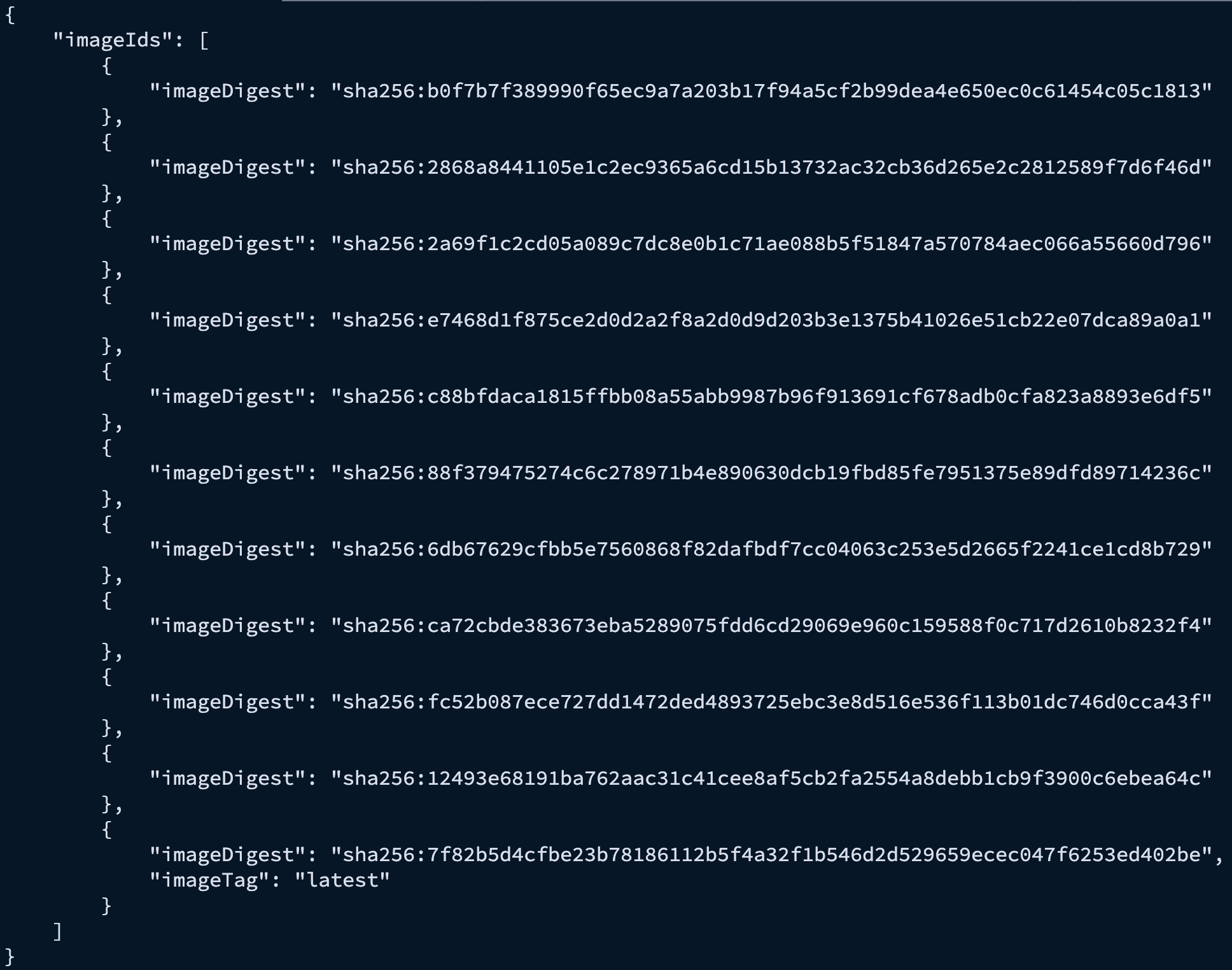
이미지 확인
1번
1
aws ecr list-images --repository-name minseoklee0323/fastapi --region ap-south-1
결과
 Screenshot_2026-01-30_at_2.43.08_PM.png
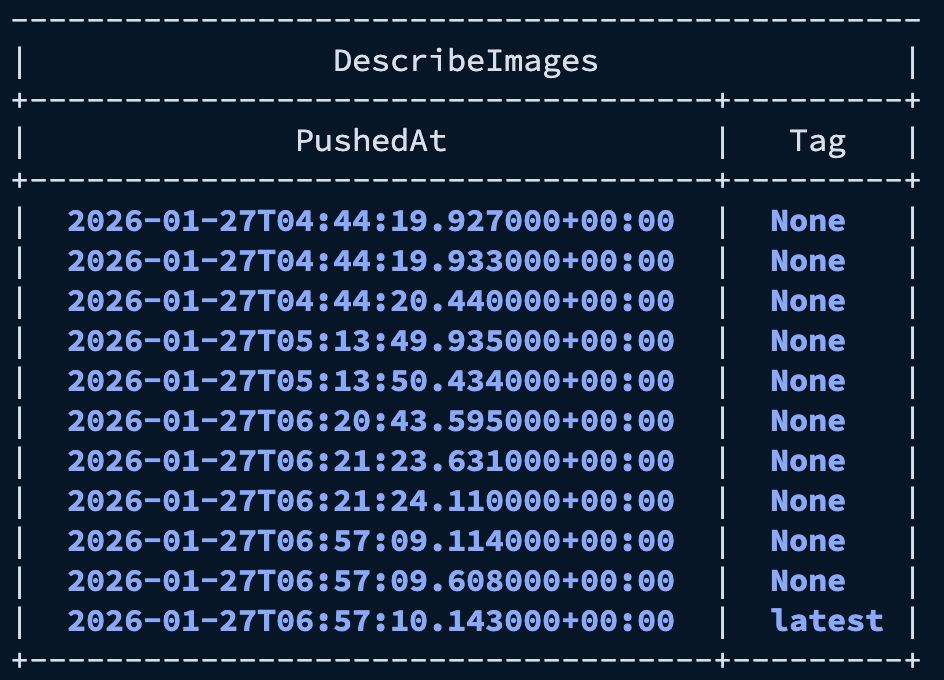
2번
1
2
3
aws ecr describe-images --repository-name minseoklee0323/fastapi --region ap-south-1 \
> --query 'sort_by(imageDetails, &imagePushedAt)[*].{Tag:imageTags[0], PushedAt:imagePushedAt}' \
> --output table
결과
 Screenshot_2026-01-30_at_2.43.49_PM.png
1
docker tag
이미지 삭제
1
2
aws ecr batch-delete-image --region ap-south-1 --repository-name minseoklee0323/fastapi \
--image-ids imageTag=latest
This post is licensed under CC BY 4.0 by the author.